
Cyber Security: Meaning and Importance
Threats in the digital world (viruses, hackers, malware)
Goals of cyber security: Confidentiality, Integrity, Availability
Examples from daily life: Email hacks, social media misuse
Importance of strong passwords
What makes a password strong (length, symbols, uppercase/lowercase)
Do’s and Don’ts of password creation
Use of Two-Factor Authentication (2FA)
Introduction to password managers
Phishing: Fraudulent emails/websites
Smishing: Fake messages with harmful links
Vishing: Voice calls to steal personal/bank details
How to identify and report suspicious activities
Real-life examples and case studies
Risks of oversharing personal information
Privacy settings on Facebook, Instagram, WhatsApp, etc.
How to report abuse, fake profiles, and bullying
Secure your accounts from being hacked
Tips for teenagers and parents
What is identity theft and how it happens
Types of online fraud: Banking, job, loan, KYC scams
Red flags and warning signs
How to protect your digital identity
Where and how to report cyber crimes in India
Definition and purpose of antivirus software
Common antivirus programs (free and paid)
Importance of regular updates and scans
Firewall: Meaning, use in home and office computers
Difference between software firewall & hardware firewall
Use of screen locks, app permissions
Avoiding harmful apps from unknown sources
Secure mobile banking & UPI
Public Wi-Fi risks and safe usage tips
Using VPN and mobile antivirus apps
Overview of Information Technology Act, 2000
Key sections related to cybercrime (e.g., Section 66C, 66D)
Punishment for hacking, online abuse, fake accounts, etc.
Awareness about data protection and user rights
Cyber crime reporting portals (cybercrime.gov.in)
What is a Computer?
Evolution: From First to Fifth Generation
Types: Desktop, Laptop, Tablet, Smartphone, Servers
Use of computers in different fields (education, banking, business)
Basic working of a computer system
Hardware: Input devices (keyboard, mouse), output devices (monitor, printer)
CPU, RAM, Hard Disk, SSD, Pen drive
Software: Operating system, applications, utility software
Difference between system and application software
Basic troubleshooting (e.g., system slow, no internet)
Minimum Qualification:
8th Pass (basic reading and writing skills required)
(10th Pass preferred but not mandatory)
Age Limit:
No minimum or maximum age limit
(Recommended: 13 years and above)
Language Comfort:
Basic understanding of Hindi or English
(Course available in both mediums)
Who Can Join?
School & College Students
Homemakers
Job Seekers
Small Business Owners
Retired Individuals
Anyone interested in digital literacy and cyber safety
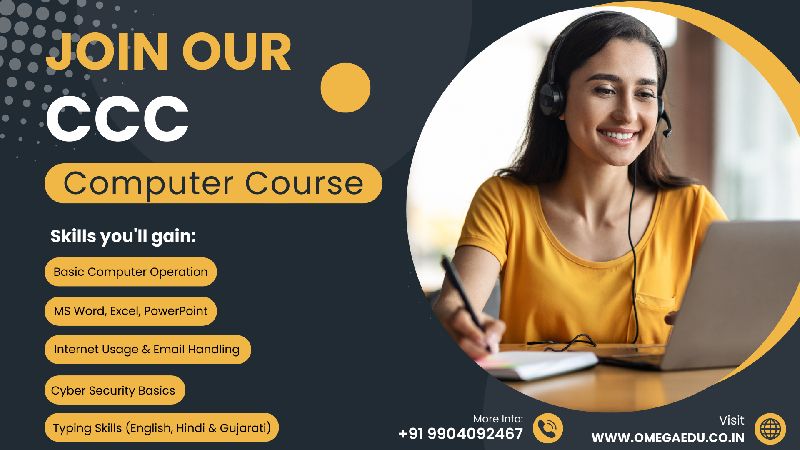
Course Code : CCC

Course Code : TALLY - 01

Course Code : CCC+

Course Code : ADCA
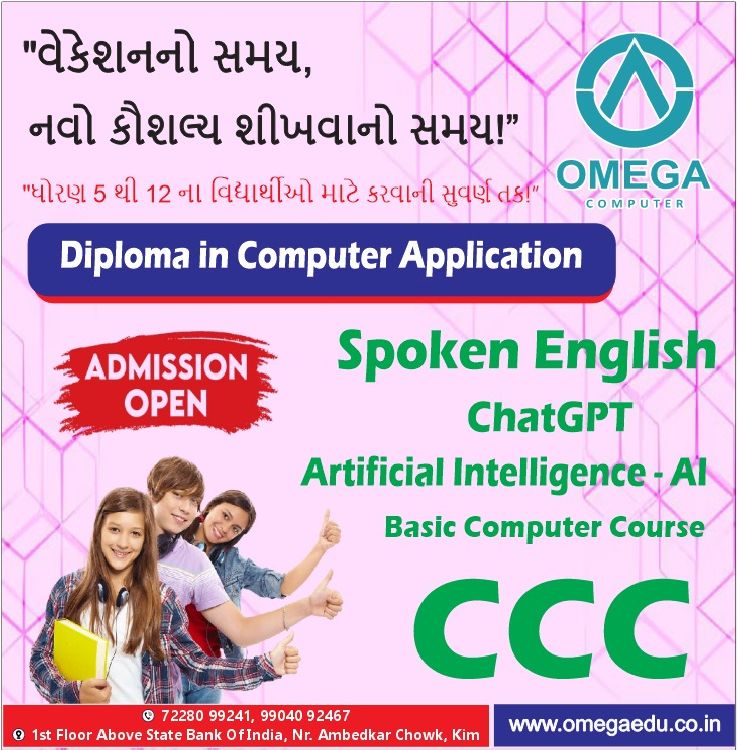
Course Code : DCA
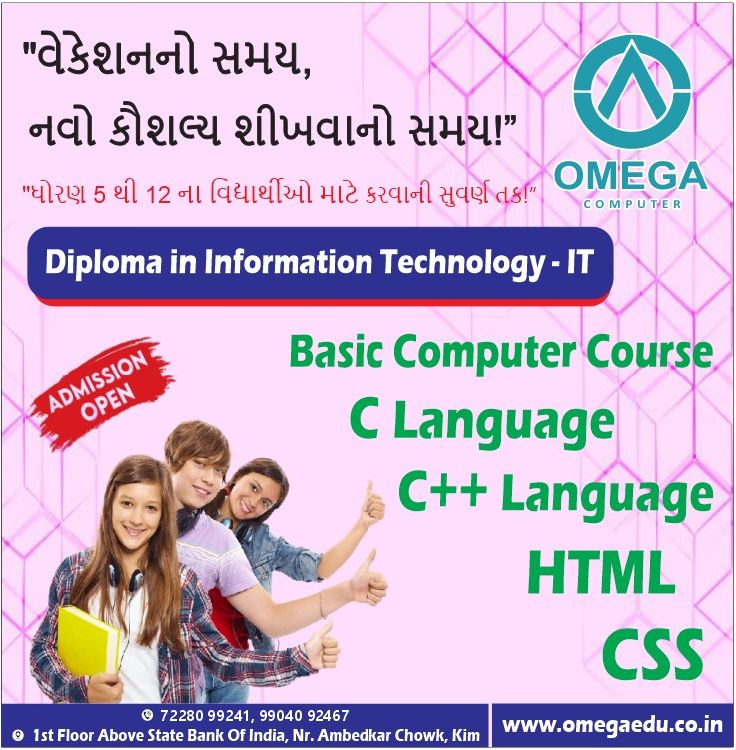
Course Code : DCA - IT

Course Code : FOR KIDS
Course Code : FOR BEGINNERS

Course Code : TALLY - 02
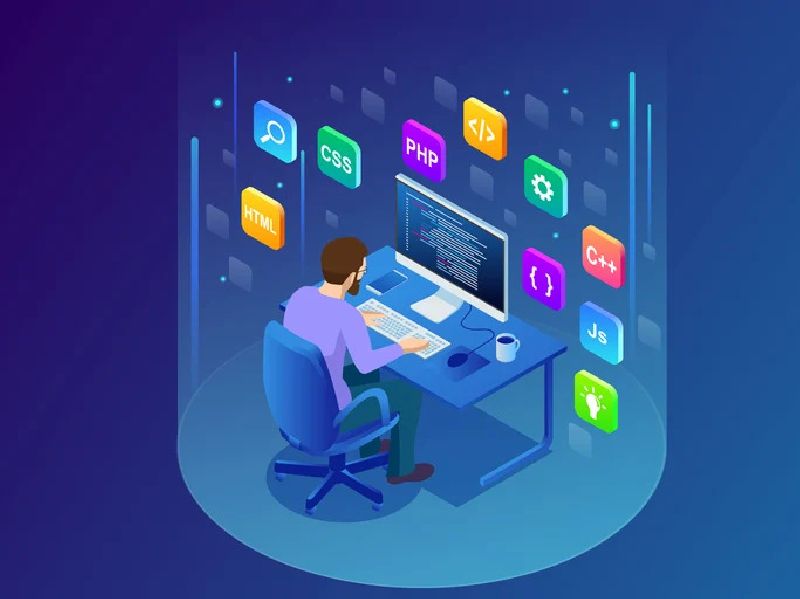
Course Code : ADCA - IT

Course Code : TP - 01

Course Code : TP - 02
Course Code : S-BCC

Course Code : PERSONAL BATCH
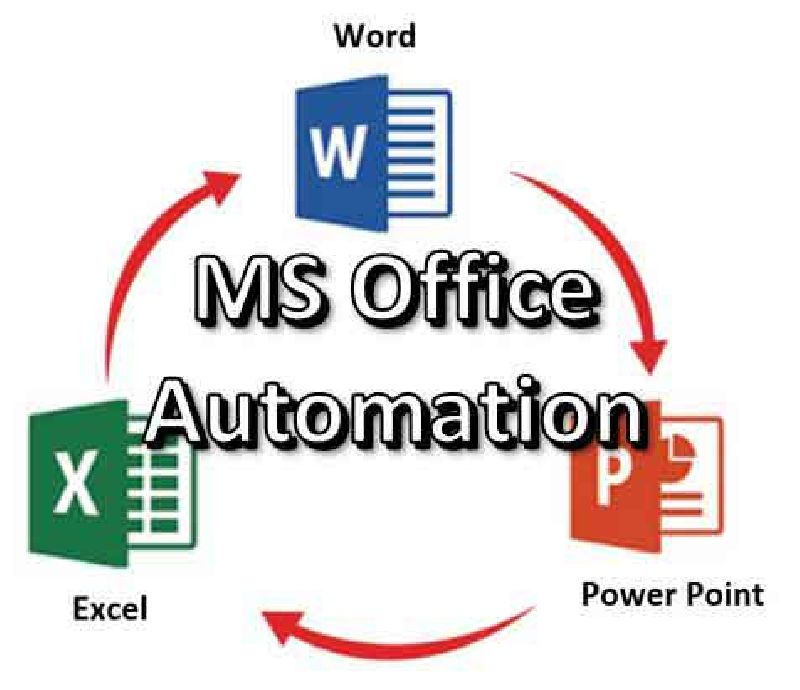
Course Code : S-DOA

Course Code : S-AD-OA
Course Code : S-CL
Course Code : S-CL ++

Course Code : S-HT
Course Code : S-HT-5
Course Code : S-CSS

Course Code : S-CSS3

Course Code : S-CPP

Course Code : S-ADE
Course Code : M-DIPLOMA LANGUAGE
Course Code : S-DS

Course Code : S-MADC

Course Code : S-CAE
Course Code : CCC
Course Code : TALLY - 01
Course Code : CCC+
Course Code : FOR KIDS
Course Code : FOR BEGINNERS
Course Code : TALLY - 02
Course Code : TP - 01
Course Code : TP - 02
Course Code : S-BCC
Course Code : PERSONAL BATCH
Course Code : S-DOA
Course Code : S-AD-OA
Course Code : S-CL
Course Code : S-CL ++
Course Code : S-HT
Course Code : S-HT-5
Course Code : S-CSS
Course Code : S-CSS3
Course Code : S-CPP
Course Code : S-ADE
Course Code : S-DS
Course Code : S-MADC
Course Code : S-CAE
Course Code : ADCA
Course Code : DCA
Course Code : DCA - IT
Course Code : ADCA - IT
Course Code : M-DIPLOMA LANGUAGE

Course Code : M-NTT
Course Code : M-BC
Course Code : S-CSFC

Course Code : M-D-NTT

Course Code : MTT

Course Code : M-DCA01
Course Code : M-ENGTY